
Last night was really productive. I built a full-text search into the blog. You can access it via the magnifying glass in the top right corner or at http://www.c0t0d0s0.org/search/.
The search is based on lunr.js. That means the search essentially takes place on your end — I only deliver the data for it. In addition to lunr.js itself, two files are transferred to your machine. Currently when compressed roughly 1.5 MB in total. I’ve decided to include all text in the search.1 Not only the first 100 or 250 words of each entry.

Both files are generated each time when the website is built, so they’re always fresh from the build.
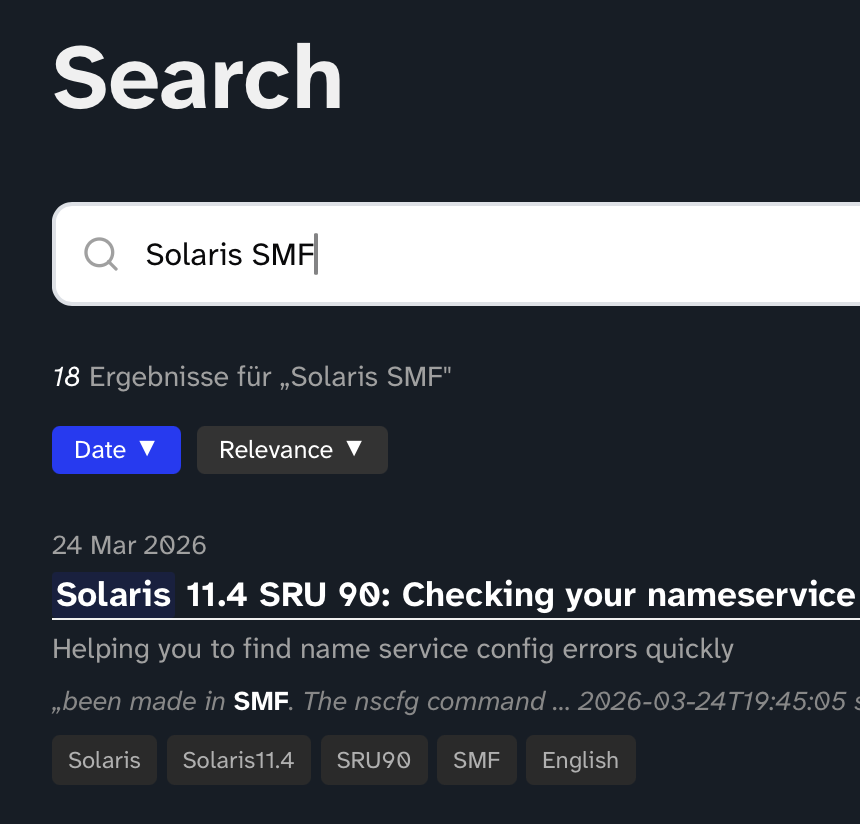
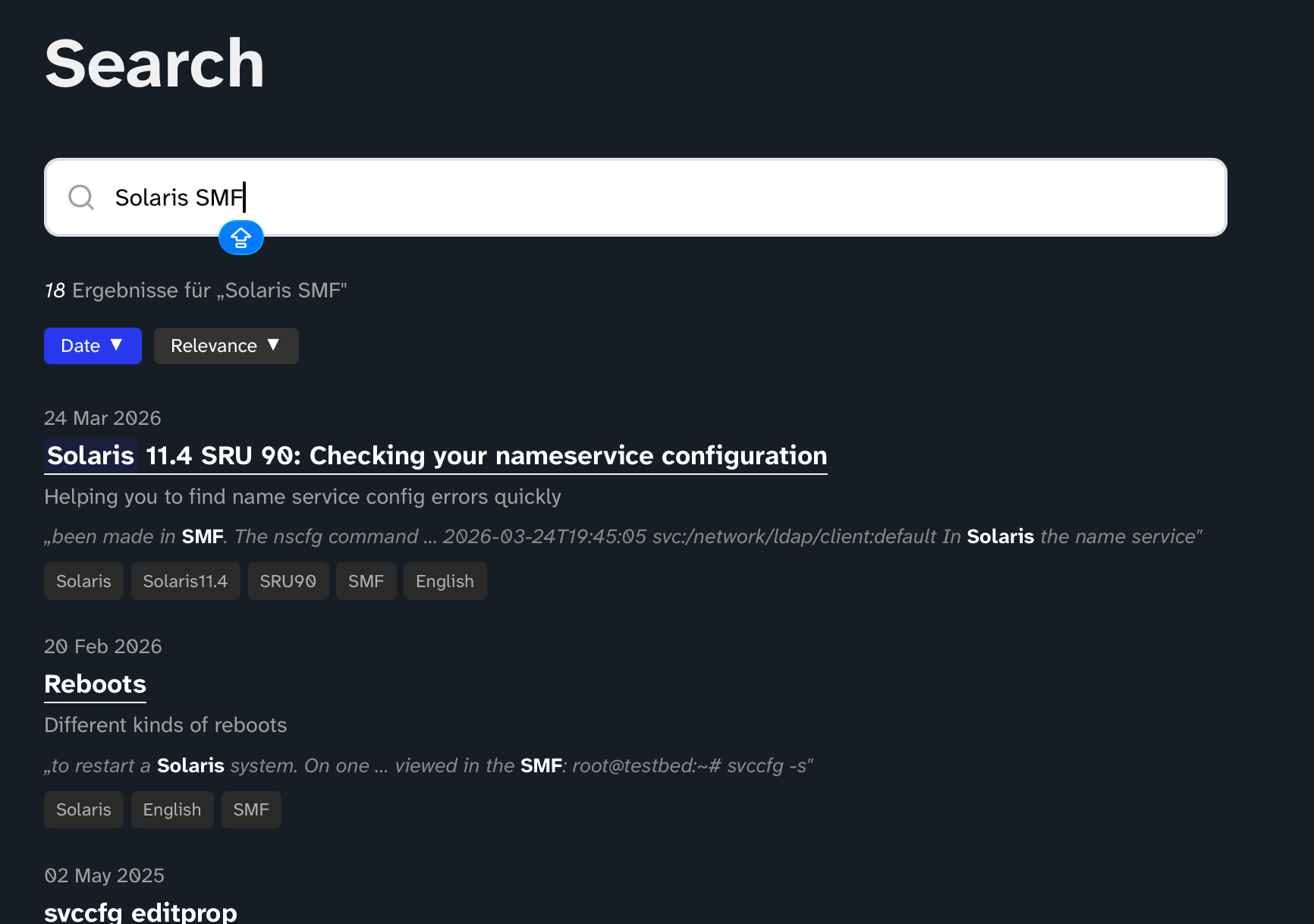
You can enter one or more words in the search field. For a document to be found, all words must be contained in the text. You can sort by relevance and date in ascending or descending order. The default is “date descending.”
In the search results, the title, description, tags, and the first occurrence of each word are displayed. The search terms are shown highlighted.
The whole thing isn’t quite finished yet. I know there are corners 2 I still need to revisit. But it’s already usable, so I’ve integrated it into the public website.
Found a mistake, or is something outdated? Suggest a correction