
(originally published on 21.03.2019, reviewed/rewritten on 30.03.2025, tested on Oracle Solaris 11.4 SRU 79)
Apropos users, in 11.4 Solaris got a tool to ease the management of user accounts. The tool is called useradm. You can use it to add, modify, delete and list users and their configuration properties. It’s not installed by default. You have to install it with pkg install useradm.
For example, you can create a user like this:
root@testbed:~# useradm add -u 1001 -g 65534 -d /export/home/testuser -s /bin/bash -c "testuser" -P testuser
New Password->
Confirm Password->
Password Accepted
You can display the configured properties of the user.
root@testbed:~# useradm list testuser
username = testuser
userID = 1001
groupID = 65534
groupName = nogroup
description = testuser
homeDirectory = /export/home/testuser
defaultShell = /bin/bash
accountStatus = Password
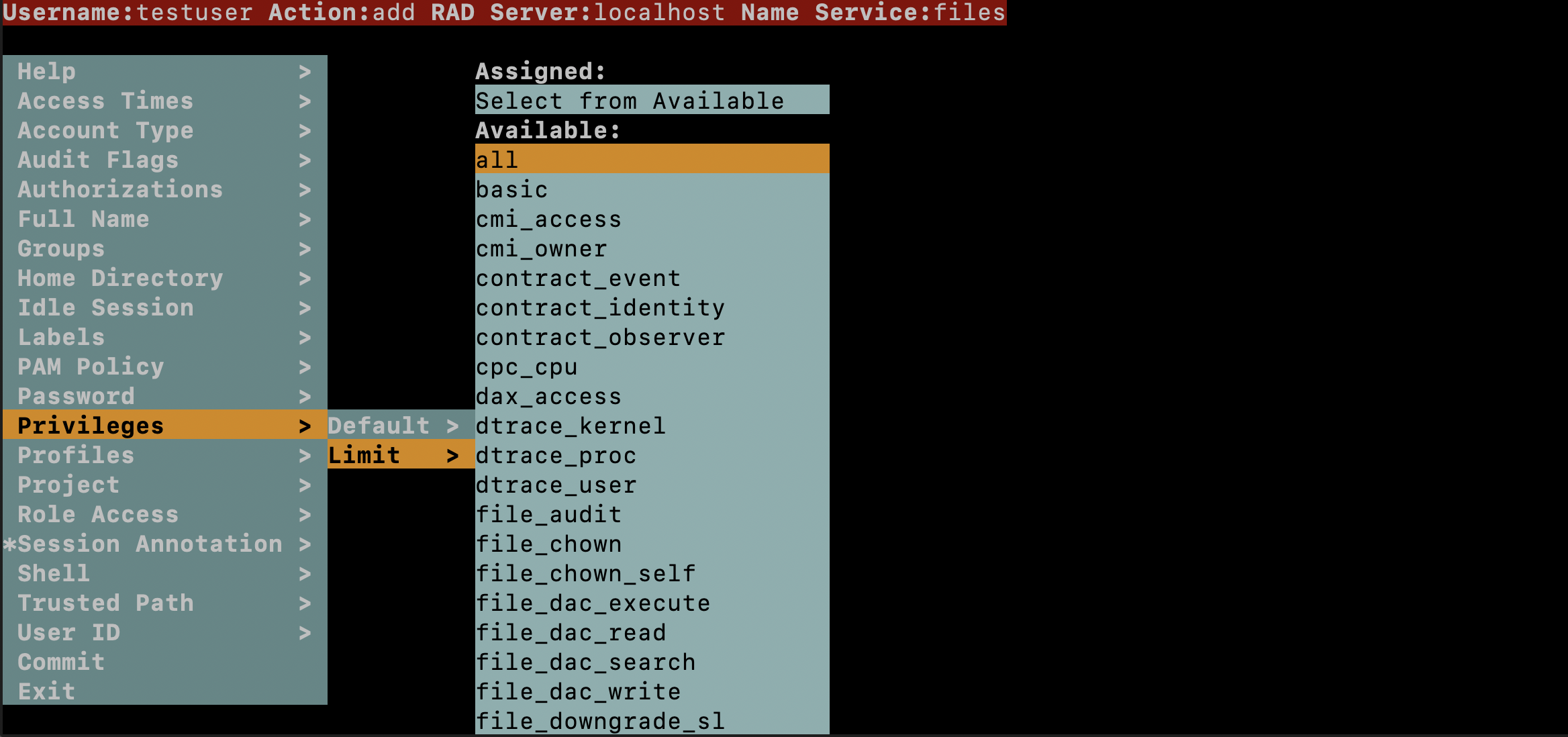
However, perhaps the most interesting part is the ncurses-based interface to configure all the existing properties of a user. The first time you are using this interface it gets much clearer to you how many properties there are. There are really a lot, many related to features few people are aware of. You get into this interface by just entering useradm modify testuser.

Do you want to learn more?
Managing User Accounts and User Environments in Oracle® Solaris 11.4 - About the useradm Application