
For several major releases Solaris has had a really extensive auditing subsystem. I wrote about it many years ago as one of my first longer blog entries about Solaris. The audit system is excellent to tell you what has happened on your system. However, sometimes some context is missing: You don’t know why something happened. You can look into the commands and most probably will surmise out of the commands the reason for the steps you are seeing. But it would be nice to have some notes or something that would link those actions to your change management. And this is a point where a new feature of Solaris 11.4 is really useful. The new feature is called Audit Annotations.
Enabling annotations
Audit annotations are really simple to use. You can activate them for a user like this after you have gained the necessary privileges to change the extended attributes of a user:
% ssh jmoekamp@192.168.3.242
(jmoekamp@192.168.3.242) Password:
Last login: Mon Apr  7 10:48:35 2025 from 192.168.3.68
Oracle Solaris 11.4.79.189.2                     Assembled March 2025
jmoekamp@testbed:~$ su - root
Password:
Oracle Solaris 11.4.79.189.2                     Assembled March 2025
You have new mail.
root@testbed:~# pfexec usermod -K annotation=yes jmoekamp
UX: usermod: jmoekamp is currently logged in, some changes may not take effect until next login.
root@testbed:~# exit
Abgemeldet
jmoekamp@testbed:~$ exit
Abgemeldet
Connection to 192.168.3.242 closed.
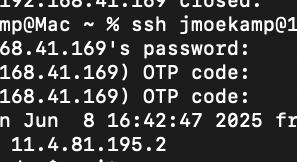
When you log into your system the next time, the system will ask for a password as usual. However, there will be another question right after it. The system asks for an annotation to the session.
% ssh jmoekamp@192.168.3.242
(jmoekamp@192.168.3.242) Password:
(jmoekamp@192.168.3.242) Session Annotation: Configuring Audit Annotations according to Ticket 12345459
Last login: Tue Apr  8 02:18:47 2025 from 192.168.3.68
Oracle Solaris 11.4.79.189.2                     Assembled March 2025
jmoekamp@testbed:~$
This string will now be carried forward in all audit logs that are created by actions in this session. So now, when you look into your audit log you will not only see what happened by all the entries of the log, but you will have some information why an admin did it on the system.
Of course it just makes sense when you enter something sensible here. “fadsfsdfasd341243” obviously does not cut it as a good annotation. However, this is something you can’t enforce technically. You can just enforce that your users can’t skip the prompt by just pressing return. The enforcement is the default; if you want to allow the user to skip it, use annotation=optional.
In case you want to make session annotations the default for everybody, you have to edit /etc/security/policy.conf and add ANNOTATION=yes or ANNOTATION=optional to it. In the default file delivered with 11.4 ANNOTATION is already at the end. Set to no and disabled by the #-sign.
Searching for annotations
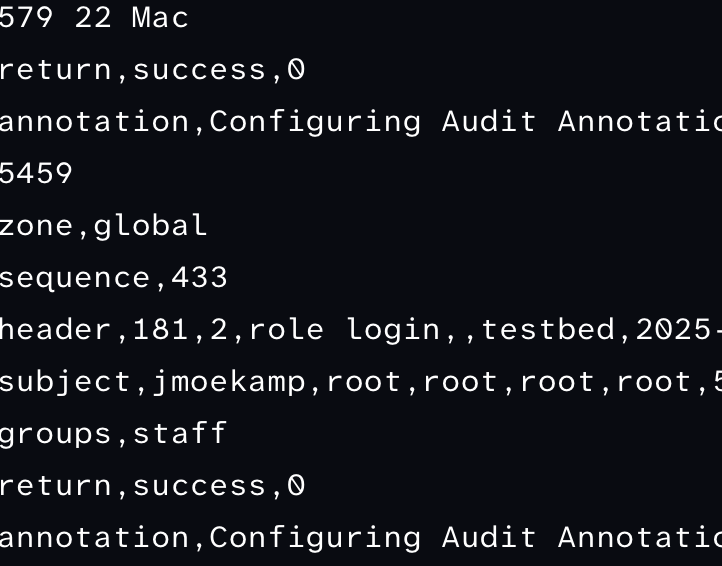
You can check for all audit entries with an annotation with the auditreduce command:
sequence,14
header,174,2,login - ssh,,testbed,2025-04-08 02:23:48.412+02:00
subject,jmoekamp,jmoekamp,staff,jmoekamp,staff,5874,3320605936,61579 22 Mac
return,success,0
annotation,Configuring Audit Annotations according to Ticket 12345459
zone,global
sequence,433
header,181,2,role login,,testbed,2025-04-08 02:28:39.275+02:00
subject,jmoekamp,root,root,root,root,5883,3320605936,148 1 Mac
groups,staff
return,success,0
annotation,Configuring Audit Annotations according to Ticket 12345459
zone,global
sequence,434
file,2025-04-08 02:28:39.000+02:00,
However, you may see some annotations even if you just have activated the feature. A few weeks (or months, time flies so fast recently) ago I wrote about a new Solaris feature that allows you to name a reason for a reboot or halt that is stored with the information that you have rebooted the system. This reason is used as an annotation in the audit log.
header,138,2,poweroff(8),,testbed,2024-07-10 21:34:06.650+02:00
subject,jmoekamp,root,root,root,root,858,2960048143,148 1 Mac
return,success,0
annotation,poweroff for no reason
zone,global
sequence,7
However, if you want to limit the output for example to the annotations with the ticket number I’ve used, this is easy:
root@testbed:~# auditreduce -o annotation='[.]* Ticket 12345459' | praudit
auditreduce: /var/audit/20240725085516.20240725132314.testbed had records out of order: Thu Jul 25 14:58:55 2024  was followed by Thu Jul 25 14:58:52 2024 .
file,2025-04-08 02:23:48.000+02:00,
header,174,2,login - ssh,,testbed,2025-04-08 02:23:48.412+02:00
subject,jmoekamp,jmoekamp,staff,jmoekamp,staff,5874,3320605936,61579 22 Mac
return,success,0
annotation,Configuring Audit Annotations according to Ticket 12345459
zone,global
sequence,433
header,181,2,role login,,testbed,2025-04-08 02:28:39.275+02:00
subject,jmoekamp,root,root,root,root,5883,3320605936,148 1 Mac
groups,staff
return,success,0
annotation,Configuring Audit Annotations according to Ticket 12345459
zone,global
sequence,434
file,2025-04-08 02:28:39.000+02:00,
Do you want to learn more?
docs.oracle.com - Annotating Reason for Access in the Audit Record