
Currently I’m trying to move a lot of stuff to the new NAS. This has one important implication: So far the role of the old NAS was to be the target of Time Machine backups and some scratch space which I could easily discard. It was already a backup, so I didn’t make a backup of it. However, with the new NAS things have changed. While still receiving Time Machine backups, the NAS actually contains data that is not part of being a backup and thus has to be backed up itself. For example the contents of the Gitea server. Now as it’s no longer on GitHub I have to do the backup on my own.1
I thought a while about a solution: One idea was the already mentioned Rube Goldberg solution: A Shelly plug, powering up an external hard disk controlled by a VM not running on the storage, but by a third system, that triggers the backup remotely as soon as the disk has been powered up. Then I thought: This is exactly such a contraption that will fail to work in the moment you need it most. And the disk would practically sit right beside the fileserver. Maximum distance would be determined by the longest USB cable that I could get. And that doesn’t address many of the possible risks.
However, after the debacle with the storage not fitting in the HP Elitedesk2 I had a possible low power consumption server without a real job. A moment later, it occurred to me: “You have a backbone in your house that is actually more capable than a single disk. Furthermore I have a rack in the cellar for networking equipment. Why not use this rack?”
What I did was essentially the following and this is now my backup solution:
- I’m using the Elitedesk
kirbyas a virtualisation server as planned. It’s more or less for throw-away VMs. VMs whose configuration I could easily recover with Ansible. - The OS I’m using there is Proxmox.
- I gave
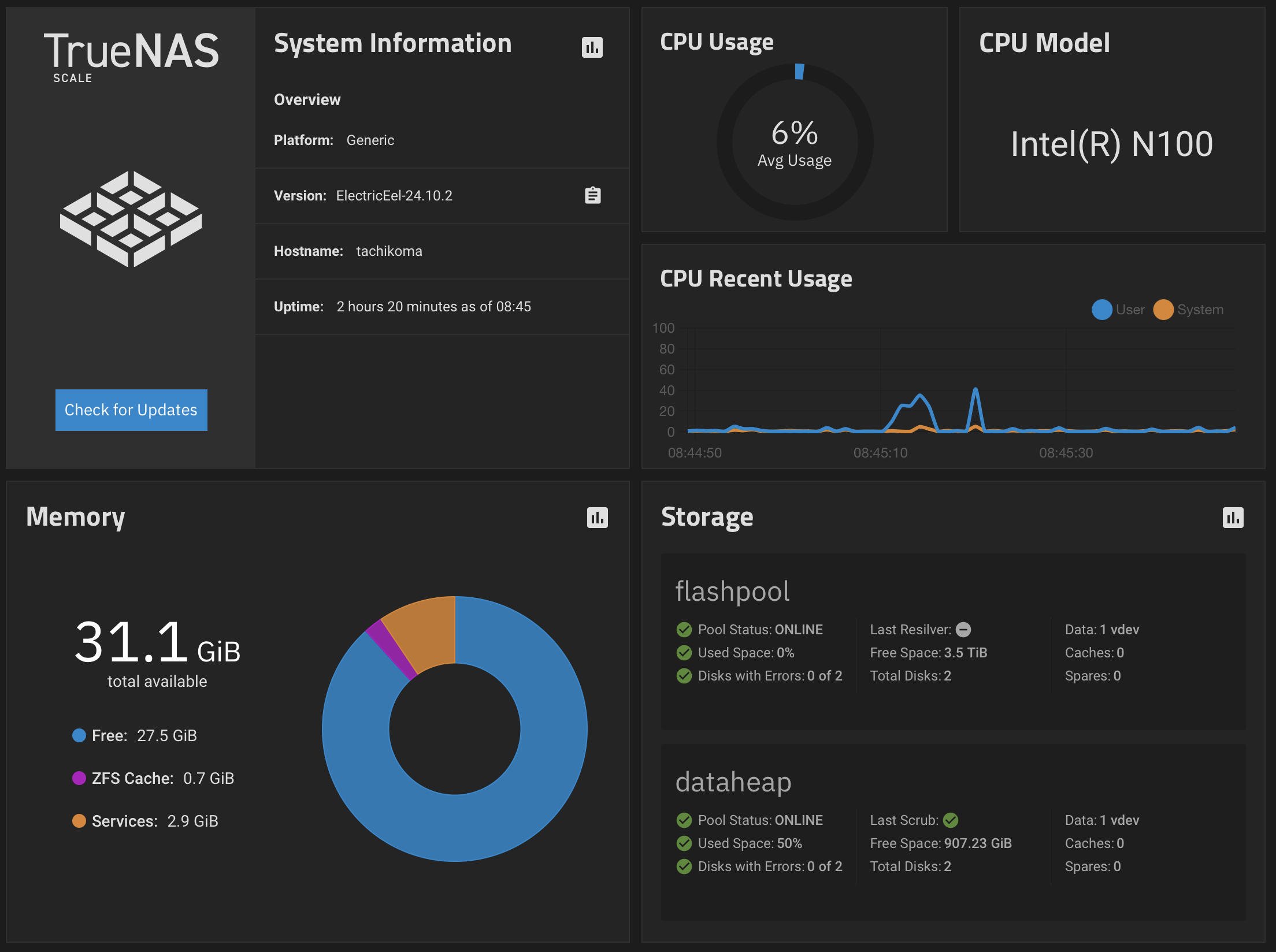
kirbya 512 GB SSD for boot and to store VMs. I’m using a smaller variant of the Kingston SSD I’m using as primary storage in my NAS. - In Proxmox there is a VM running TrueNAS Scale.
- While it’s not Solaris, it still uses ZFS like my fileserver.
- Thus on the way, a lot of snapshots are created by the way ZFS replication works and by an automated process that creates hourly snapshots and keeps them for two weeks.
- This VM has two pieces of hardware dedicated to it. First, a hard disk. I mapped a 4 TB drive into the VM. 4 TB is exactly the size of the flash pool in my NAS. Furthermore I dedicated a 2.5 Gbit/s Ethernet USB-C dongle to it. My NAS is connected to the network with 2.5 Gbit/s, thus it seemed prudent to match it on the virtualisation server as well. It’s in the same Layer 2 network as my NAS. I will probably change this as soon as I’ve migrated my network to routing on my switches. At the moment everything between subnets goes through the UCG and thus everything that has to be routed is limited to 1 Gbps.
- I plan to actually move the disk from the rack to another room in the cellar with lower fire loads connected with a slightly longer USB cable. I actually thought about using a second disk for this — but I’m probably in the overkill realm with such a solution.
- I think the usual risks at home are fire and water. Water is not such a problem in my apartment in the roof. That said, my house is actually significantly higher than the inner city of Lüneburg. If the Ilmenau is really leaving its bed in order to flood my cellar, fish have to be able to swim over the town hall roof. And by a slight margin my house is higher than the other people’s homes surrounding me, so flooding by rain is a risk one of my neighbours has much more. It’s always him having a problem when a somewhat torrential rain is hitting Lüneburg. I see fire as a much larger risk. Thus the idea with the cable into the room with the lowest fire hazard (it’s more or less only a wall’s distance).
- The NAS storage
tachikomain the home office area (I have only a few walls) in my apartment in the roof now replicates 2 times a day to the TrueNAS VM in the cellar. - The replicated datasets stay locked on this server. The encryption key is not even on the target of the replication.
- The pool of hard disks housing the storage for Time Machine backups stays without backup, but I’m thinking about breaking up the mirror and having a primary disk and a secondary disk and replicating between them hourly. But that’s probably more pressing as soon as I start to store bulk data on the hard disks.
- As soon as I have larger disks in the NAS, the flash pool will replicate hourly onto the local primary and secondary disk.
- A Shelly is involved in this solution nevertheless. The power consumption of this additional server is offset by a Shelly and a button that allows the last remaining party using the satellite TV multiswitch in my cellar to switch it on and off from their TV with a press of a button. It consumed 6.5 watts all day long. I’m using this power consumption for the virtualisation server.
- I probably won’t do a NAS backup into the cloud. But I have a large family with fast internet connections.3 I can work with that ;)
This is the way I’m currently doing my backups and up to now it seems to work reasonably well. However, the real test will be the first time I have to restore all this.
-
That said, this is actually the least problematic piece of data, as multiple systems have this repository checked out at any given time, perhaps not the most current one, but only a few days lagging. That would be survivable. ↩
-
Everything on its own fitted into the system, just not M.2 and SATA SSD at the same time. ↩
-
Okay, except one brother. From a DR perspective he would be the most interesting target. He lives in Spain near Marbella. But the internet connection is simply not fast enough. ↩
